MiriMuri / Makeup try-on, on your own photo
Makeup try-on, on your own photo
A wedding, an interview, graduation photos, or just today. See which makeup fits your face before you buy or book. Pick daily, clean glam or evening, or type "coral lip with soft contour", and get a preview that keeps your skin texture and builds the look around the eyes and lips.
20 free credits on sign-up · no app to install · one photo to start
How it works
Upload a bare-face or light-makeup photo
Front-facing, bright light, whole face in frame.
Pick a look or describe it
Daily, clean glam, soft glam, evening, or the colors and mood you want in words.
Check the preview and fix it in words
"Lighter lip", "no eyeliner": one sentence. Save what you like.
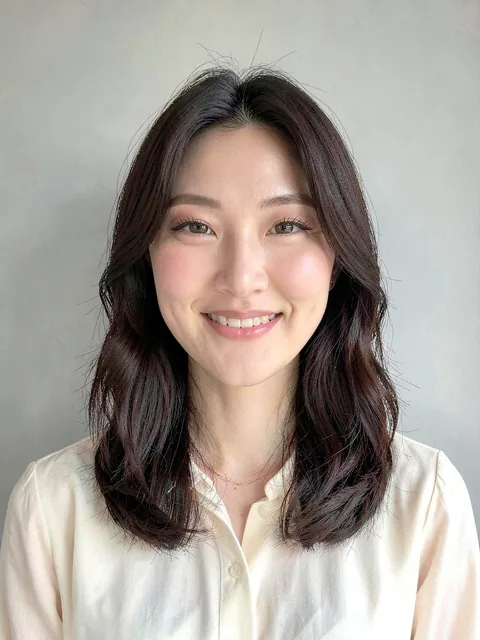
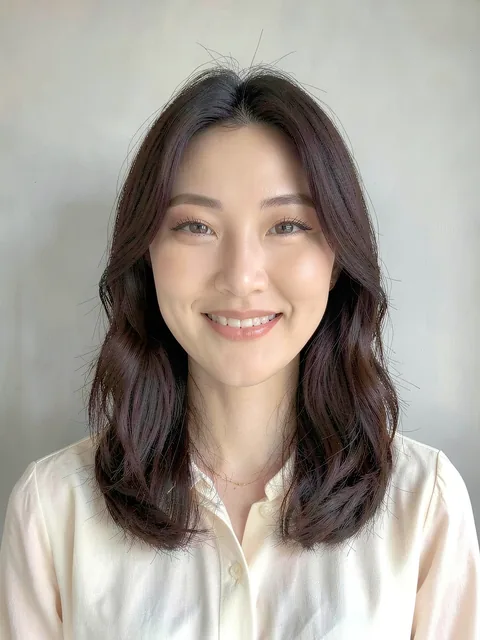
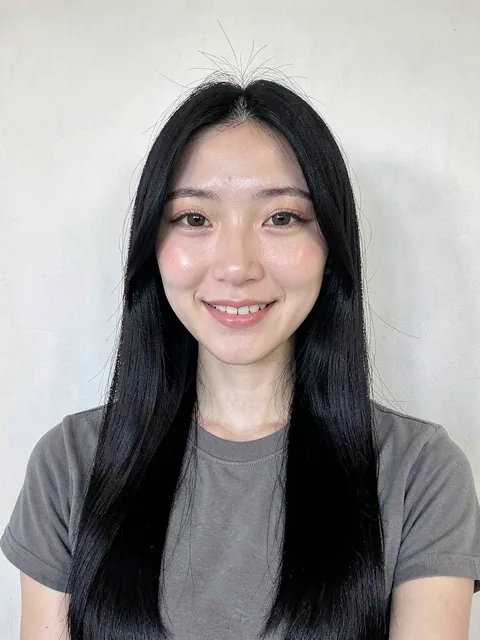
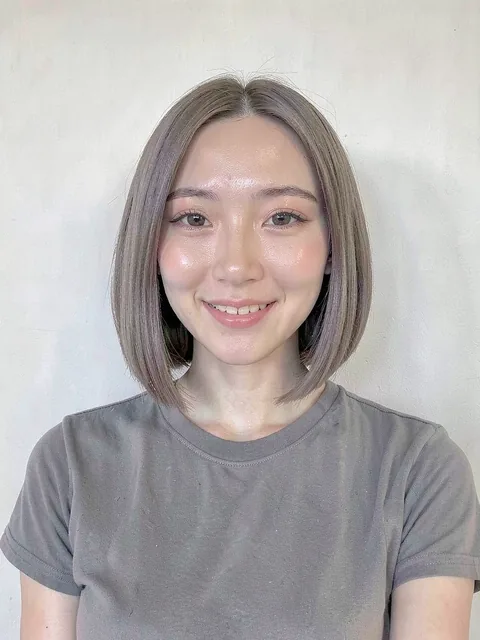
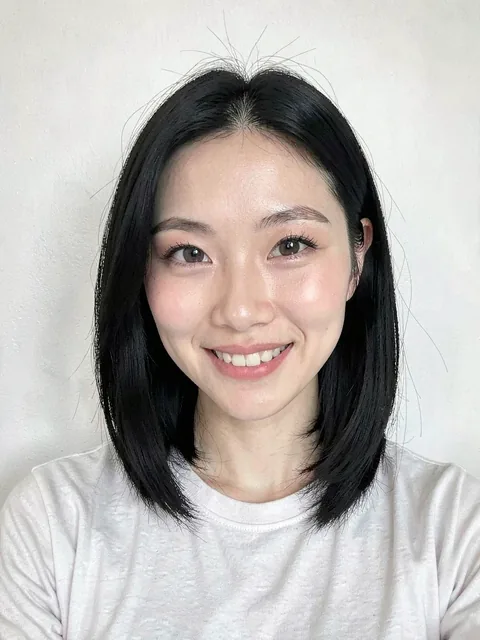
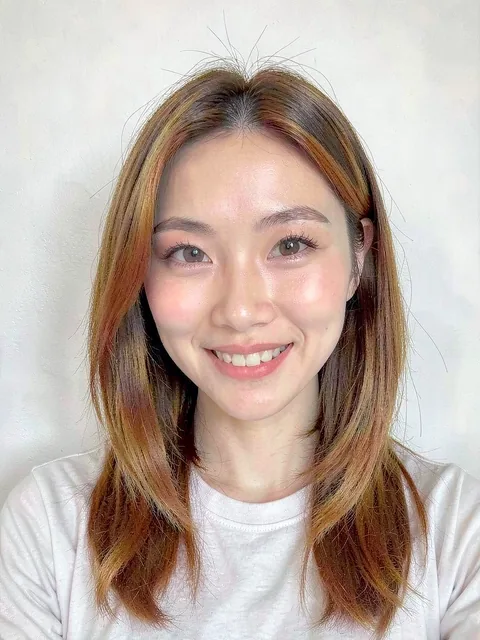
Preview examples
Same photo, makeup only. Skin texture and expression stay as they are.
Questions about the makeup try-on
Won't the makeup look too heavy?
It is applied like a translucent tint: built around the eyes and lips, no heavy blush, and your skin's texture and marks stay. Ask for stronger or lighter in words.
Is it free?
Yes. 20 credits on sign-up, one credit per preview.
Can I combine hair and makeup?
Yes. Change the hair first, then apply makeup on that result and save it. Useful for weddings and events.
Which looks are there?
Daily tone-up, clean glam, soft glam, glam, evening and bold lip, and you can describe a new one in words.
Does it change my skin tone?
No. Skin tone is kept from the original. It is not a brightening or retouching tool.
Can I show the result to a makeup artist?
Yes. Showing the saved image at the consultation is faster than describing a mood in words.
Where are my photos stored?
Only in your account, and deleted with it.
Is it the same as real makeup?
It is a preview. Products, lighting and skin change the real result. Use it to settle the look.