MiriMuri / AI hairstyle try-on, free, on your own photo
AI hairstyle try-on, free, on your own photo
Would a bob suit me, should I get bangs, can I pull off ash blonde. See it on your own face before you sit in the chair. Upload one photo, pick a style card or type the haircut you want, and get a preview that changes the hair and leaves your face, skin, expression and clothes untouched.
20 free credits on sign-up · no app to install · one photo to start
How it works
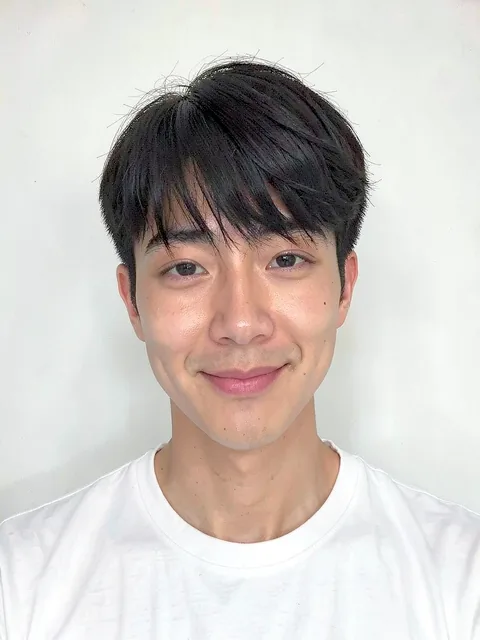
Upload one front-facing photo
A bright selfie looking straight at the camera works best. Take off hats and sunglasses and let tied hair down.
Pick a style or describe it
Choose from 349 style cards (short, bob, medium, long, perms, bangs, updos, braids, colors, men's hair) or type it, like "chin-length bob in ash brown".
Check the preview and fix it in words
"A little shorter", "no bangs": one sentence and it renders again. Save the ones you like and find a salon nearby.
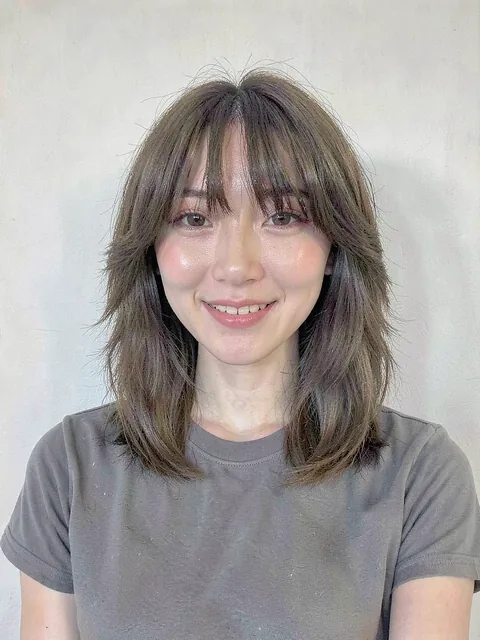
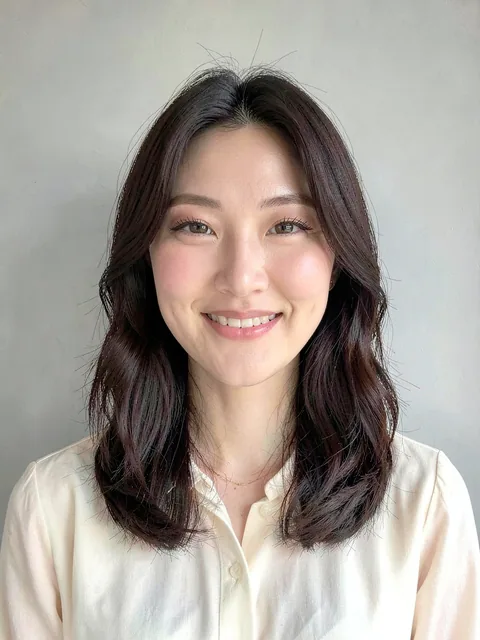
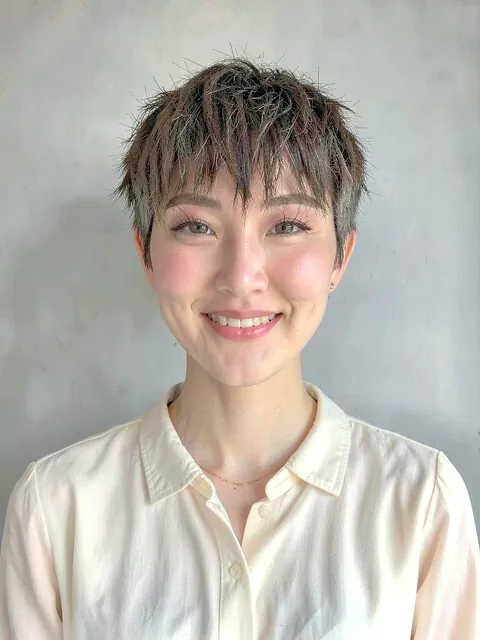
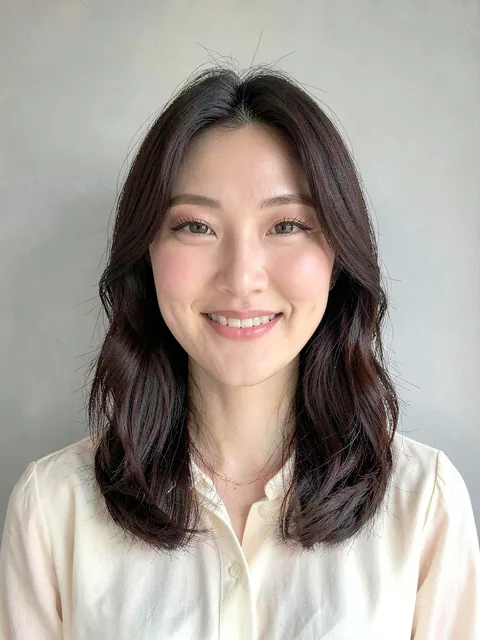
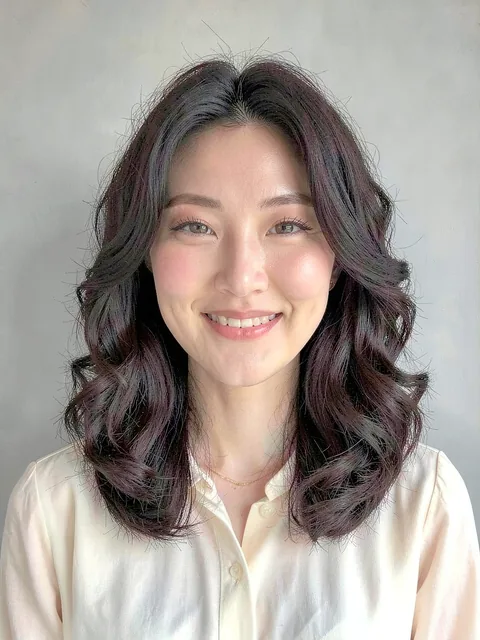
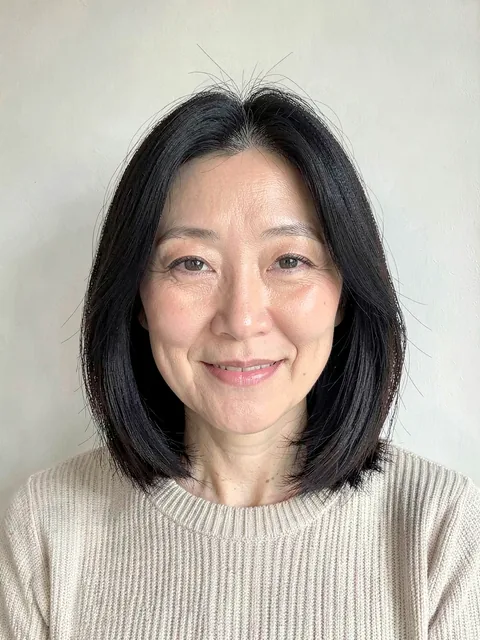
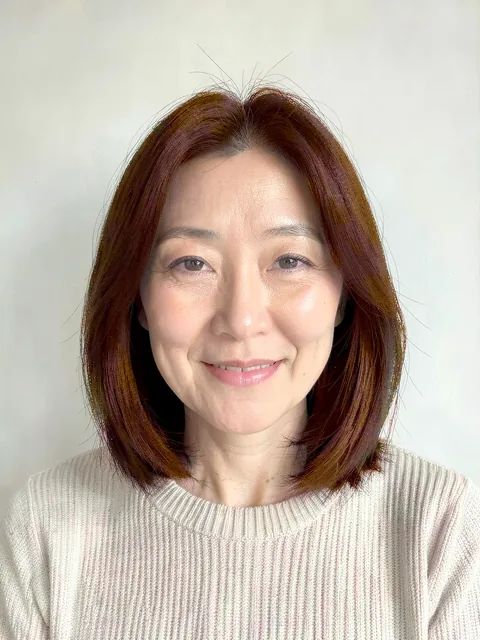
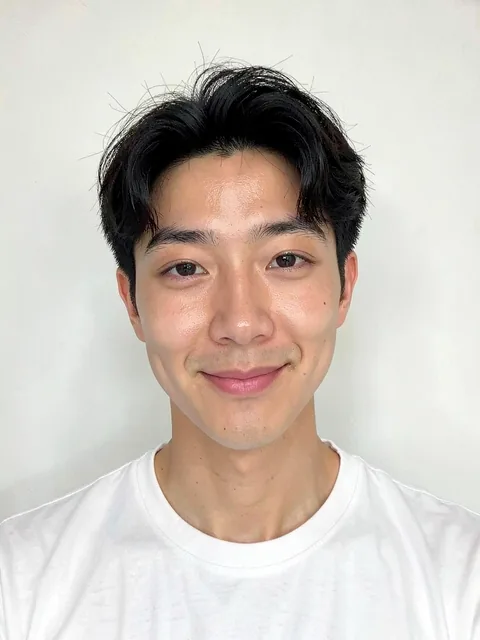
Styles people try most
Straight from the style cards in the app. Open a card for the description and preview examples.
Questions about the hairstyle try-on
How does the hairstyle try-on work?
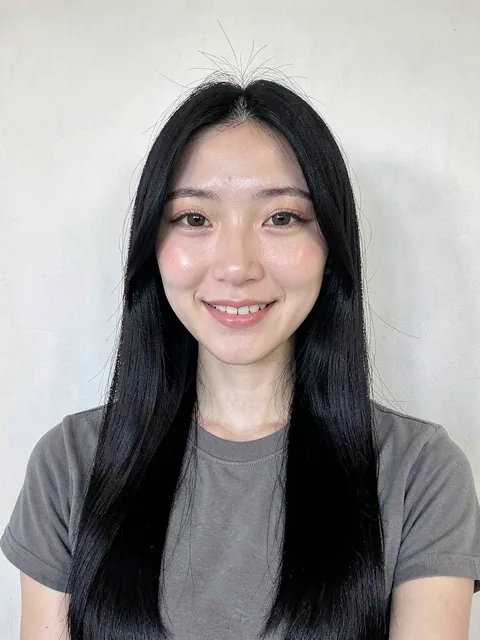
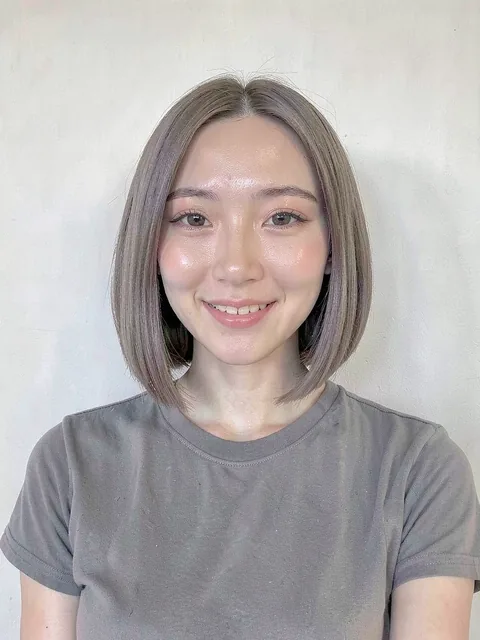
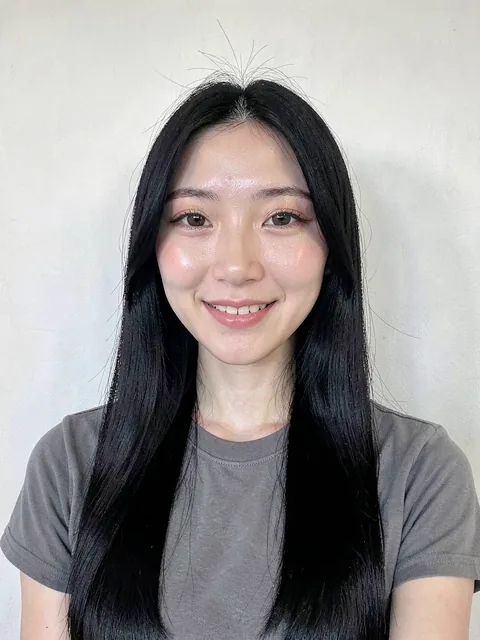
It separates the face from the hair in your photo, then redraws only the hair according to the card you picked or the words you typed. Your features, skin texture, expression, clothes and background stay as they were. The result is a preview to decide with; the real cut depends on your hair and your stylist.
Is it free?
Yes. You get 20 credits on sign-up and one preview costs one credit. When they run out you top up only what you need. No monthly subscription.
Do I need to install an app?
No. It runs in the browser. Add it to your phone's home screen and it opens like an app.
How do I know if a bob suits me?
Open the bob category and try a chin-length bob, a classic bob and a layered bob on your photo one after another. Length and bangs change the read of a face more than anything else. Save the results and show them to your stylist to shorten the consultation.
Can I preview bangs?
Yes. There are cards for air bangs, see-through bangs, curtain bangs and choppy bangs, or type "just add see-through bangs".
Can I preview hair color or bleach?
Yes. Pick ash, brown or a light shade from the color cards, or type "dye it ash grey". Light shades usually need bleaching, which means damage and more than one session, so talk that part through with your stylist.
Does it do men's hairstyles?
Yes. Men's short cuts, two-block, side-part perm, regent and longer styles have their own category.
How close is a perm preview to the real thing?
Wave size and volume read well; bounce and how long it lasts cannot be seen in a photo. Use it to settle the look, then decide the details with your stylist.
What photo works best?
Front-facing, the whole face and the outline of the hair visible, bright and not blurred.
Where are my photos stored?
Only in your account. Other users never see them, and deleting your account deletes photos and results.
Can I show the result to a salon?
Yes. Save the result, pick a neighbourhood to find salons nearby, and show the image at the consultation. 77,640 salons across Seoul, Gyeonggi and Incheon are listed.
Does it recommend styles for my face?
Yes. Upload a photo and it picks style cards that fit your face shape and mood. Choose one and it goes straight onto your photo.