Hairstyle and makeup preview
See it before
the scissors.
One photo. See the cut, the perm, the color and the makeup on your own face, then find a salon that does it.
20 free credits on sign-up · no app to install · one photo to start
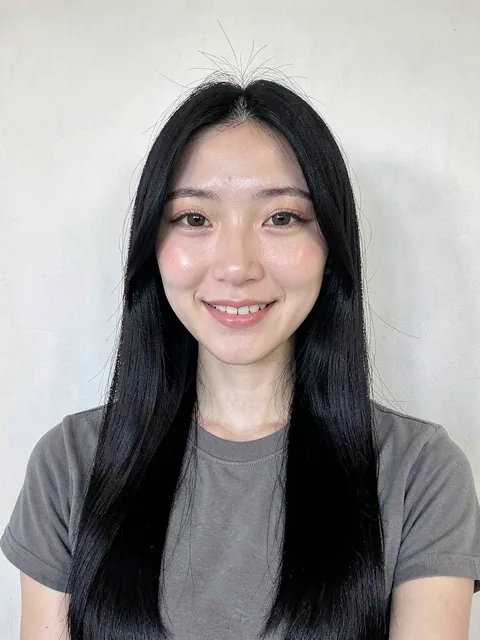
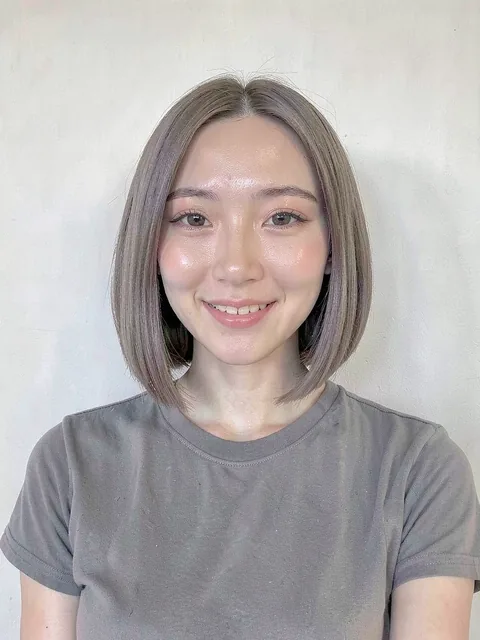 BeforePreview
Drag the slider to compare · Ash-brown blunt bob
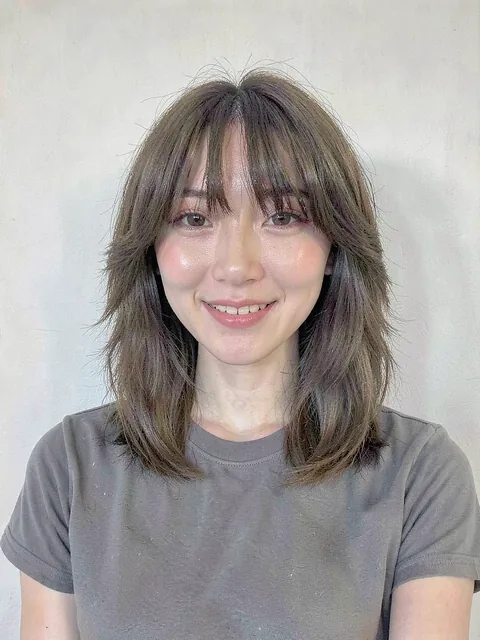
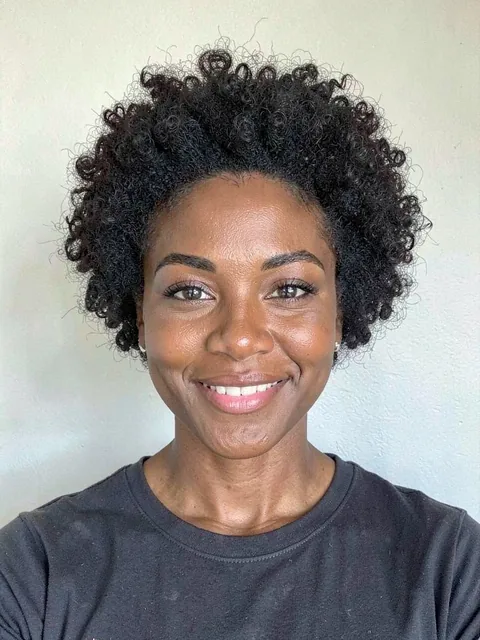
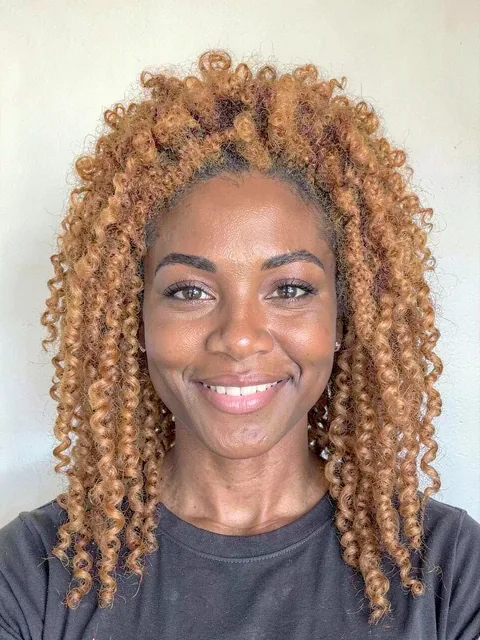
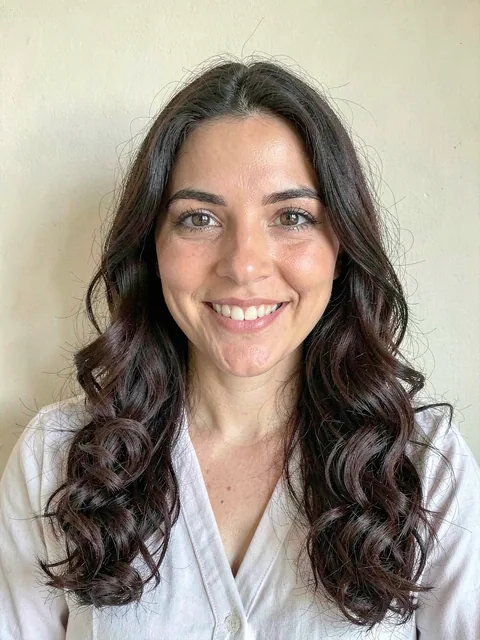
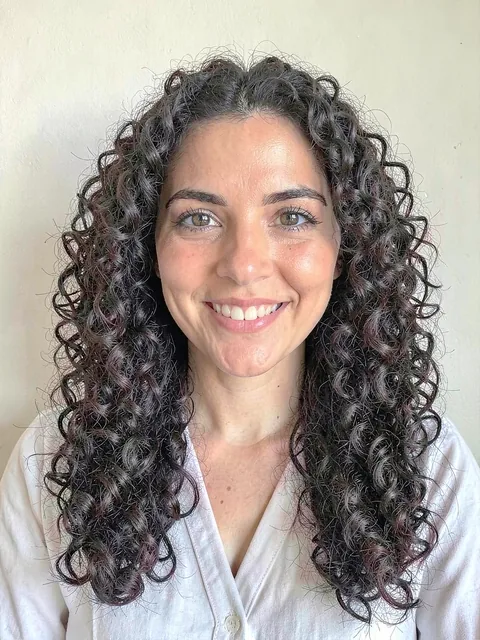
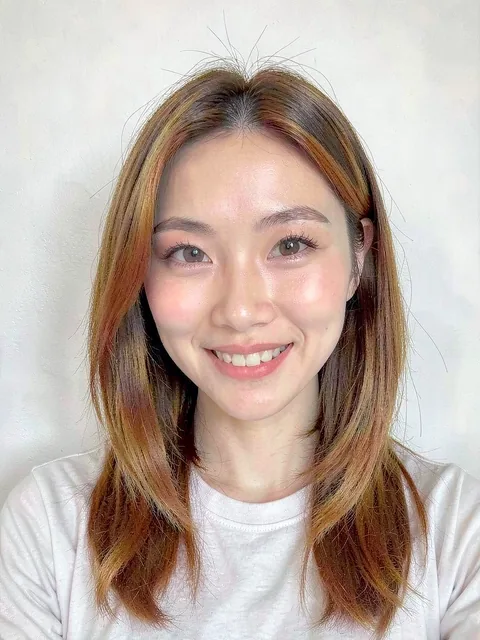
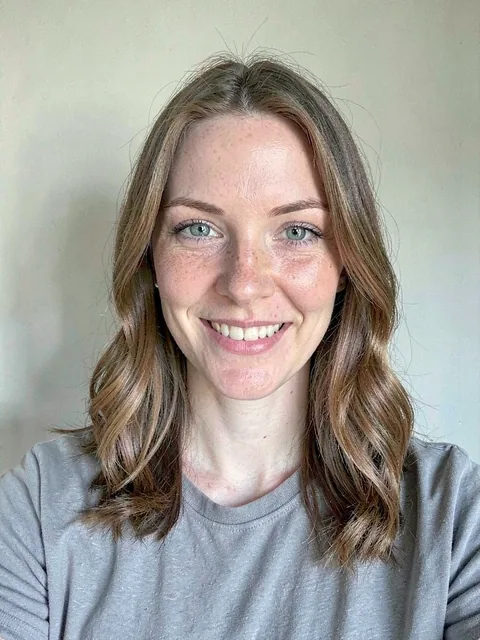
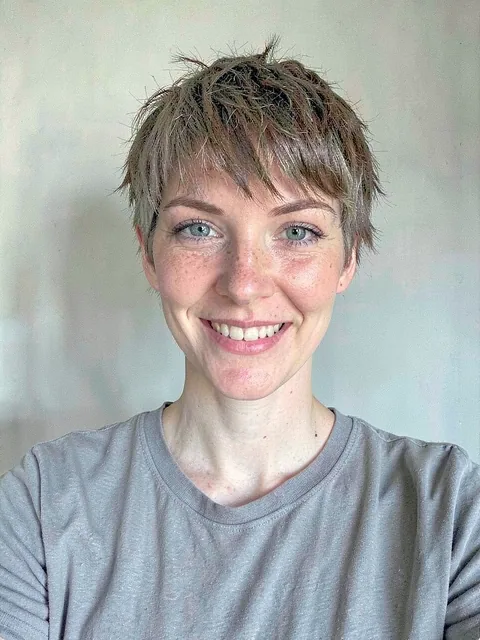
Still you, just with the new hair
Bob, wolf cut, pixie, volume perm, grey coverage, two-block, curls, balayage and makeup. Every example below was made the same way you will.













Ten seconds to start
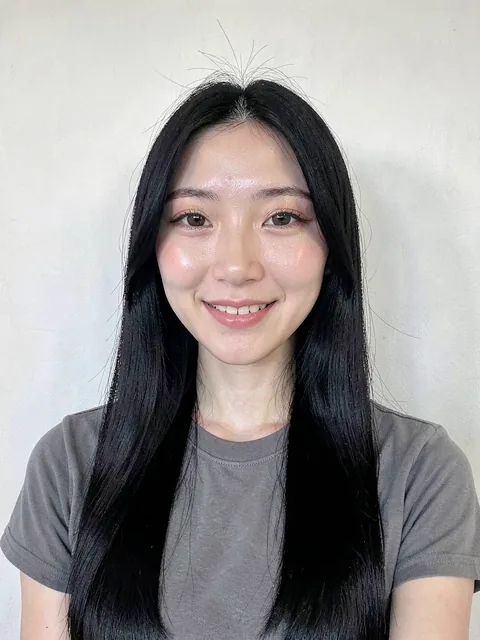
One photo
Upload a front-facing selfie. It stays in your account and you can delete it any time.
Pick a look, or describe it
Choose from hundreds of style cards or type what you want, like "chin-length bob in ash brown". Not quite right? Fix it in words.
Find the salon
Save the result and pick a neighbourhood to find salons nearby. 77,640 salons across Seoul, Gyeonggi and Incheon. The finder covers Seoul, Gyeonggi and Incheon today. We are preparing the service for other regions.
What you can preview
Cut · perm · color · bangs
Will a bob suit me, should I get bangs, how many bleach sessions. The more a change alters length and shape, the more a preview is worth.
Grey coverage · tone
Dark brown or ash? Compare on your own skin tone before the appointment.
Makeup
Daily tone-up to evening looks. Sheer, built around the eyes and lips, with your skin texture untouched.
Edit in words
"A little shorter", "no bangs": one sentence under the result changes it. Voice input works too.
Eleven languages
Korean, English, Japanese, Chinese, Thai, Vietnamese, Spanish, French, German, Hindi. Visitors to Seoul use it in their own language.
Your photos stay yours
Originals and results are visible only in your account. Nothing goes to a salon unless you send it. Deleting the account deletes them.
For salons
End the "something like this" conversation.
Customers preview the look on their own face, pick a salon, and walk in with the picture. You spend the consultation cutting, not guessing. Listing is free. The finder covers Seoul, Gyeonggi and Incheon today. We are preparing the service for other regions.
List your salonFree to start, top up only when you need to
You get 20 credits on sign-up, valid for 90 days. One preview is one credit, and credits you buy are valid for a year from purchase.
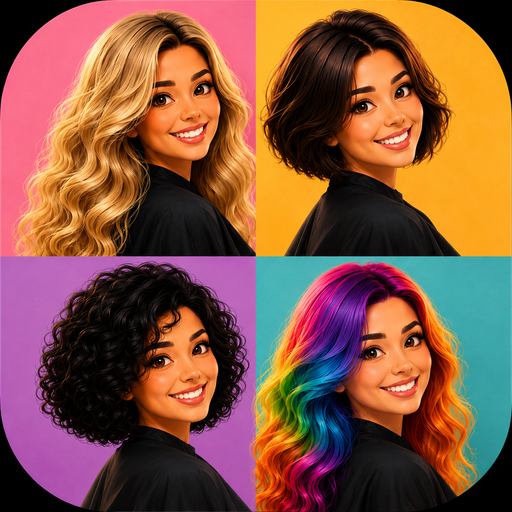
Home screen icon
Install it on your phone like an app
No app store needed. Add it to your home screen from the browser and you get this icon, opening full screen without an address bar.
iPhone (Safari)
- 1. Open mirimuri.com in Safari.
- 2. Tap the share button at the bottom centre.
- 3. Choose Add to Home Screen, then confirm Add.
Android (Chrome)
- 1. Open mirimuri.com in Chrome.
- 2. Tap the three-dot menu at the top right.
- 3. Choose Install app or Add to home screen.
Installing takes almost no storage. Photos and results live in your account, so the phone and the desktop show the same history.
Questions people ask
Is it really free?
Yes. You get 20 credits on sign-up and one preview costs one credit. When they run out you top up only what you need. There is no monthly subscription.
Will the result match the real haircut?
It is a preview. The app is built to leave your face, skin, expression and clothes untouched and change only the hair (or makeup), but the real result depends on your hair and your stylist. Use it to decide, not as a promise.
What photo works best?
A bright, front-facing photo that shows the whole face and the outline of your hair. Take off hats and sunglasses, and let tied hair down.
Do I need to install a hairstyle try-on app?
No. It runs in the browser. Add it to your phone's home screen and it opens like an app.
Where are my photos stored?
Only in your account. Other users never see them, and a salon only receives a result you choose to send. Deleting your account deletes the photos and results with it.
Can it recommend a hairstyle for my face?
Yes. Upload a photo and it picks style cards that fit your face shape and mood. Choose one and it goes straight onto your photo.
Which cities does the salon finder cover?
Right now 77,640 salons in Seoul, Gyeonggi and Incheon, searchable by district and neighbourhood. Other regions are on the way.
Does it do makeup too?
Yes. Daily tone-up, clean glam and evening looks, applied sheer around the eyes and lips while your skin texture stays as it is.
How long do my credits last?
Credits you buy are valid for a year from the purchase. Credits we give you last 30 days, and the free credits you get on sign-up last 90 days. A monthly plan's allowance restarts on the day you paid, and a day runs 00:00 - 23:59 in your own time zone: pay on 4 September and that cycle ends on 3 October at 23:59. Whatever expires soonest is always spent first.